Sounds and motion around the site
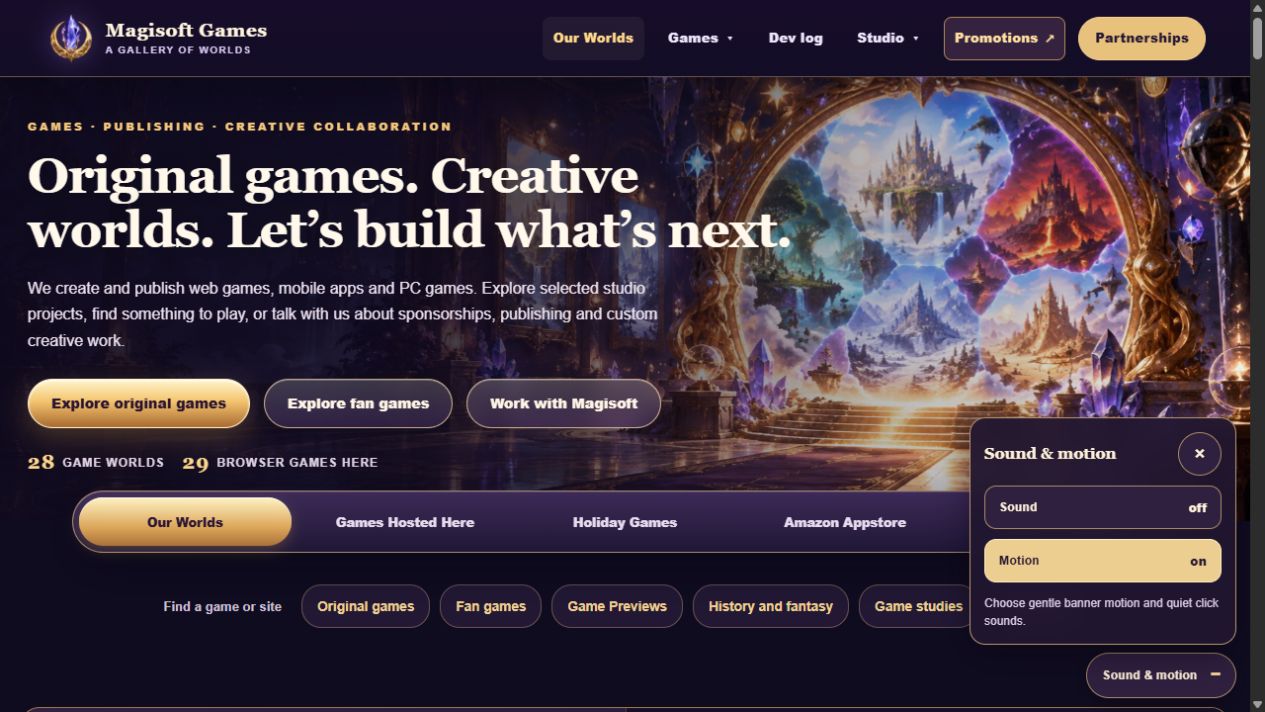
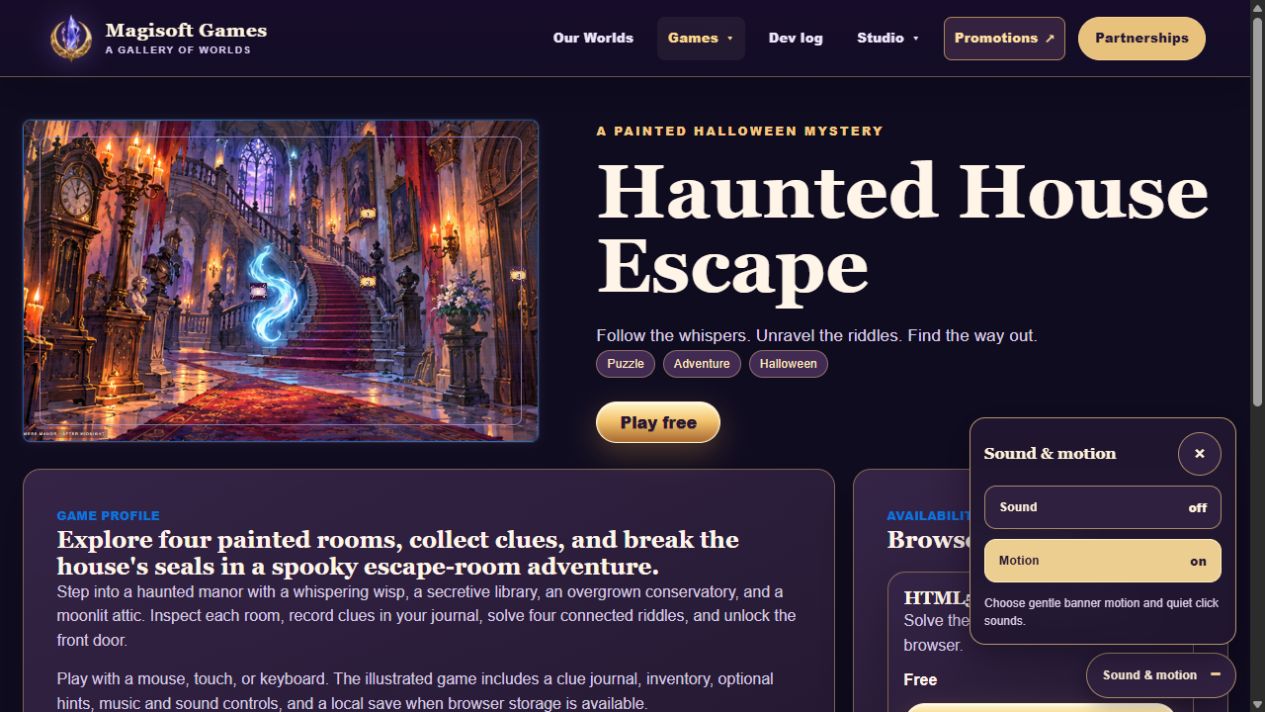
Choose quiet click sounds and gentle banner motion as you explore. Each page has a short entrance, and the homepage gem game is gone.
Sound and motion now work across our public website pages. Use the small Sound & motion button to choose what you like. Sounds are off at first. When you turn them on, site buttons and links make a quiet click.
Game banners have gentle motion and a soft glow. Each page has a short entrance when you visit. You can turn motion off, and the site respects your device’s reduced motion setting.
The homepage keeps its smaller banner. We removed the gem game. Game controls and video playback keep their own sound and behavior.
What changed
- Added shared Sound and Motion controls on public pages.
- Added optional click sounds for site buttons and links.
- Added gentle banner motion and short page entrances.
- Removed the homepage gem game.
A closer look
Screenshots