A smaller welcome and portal gems
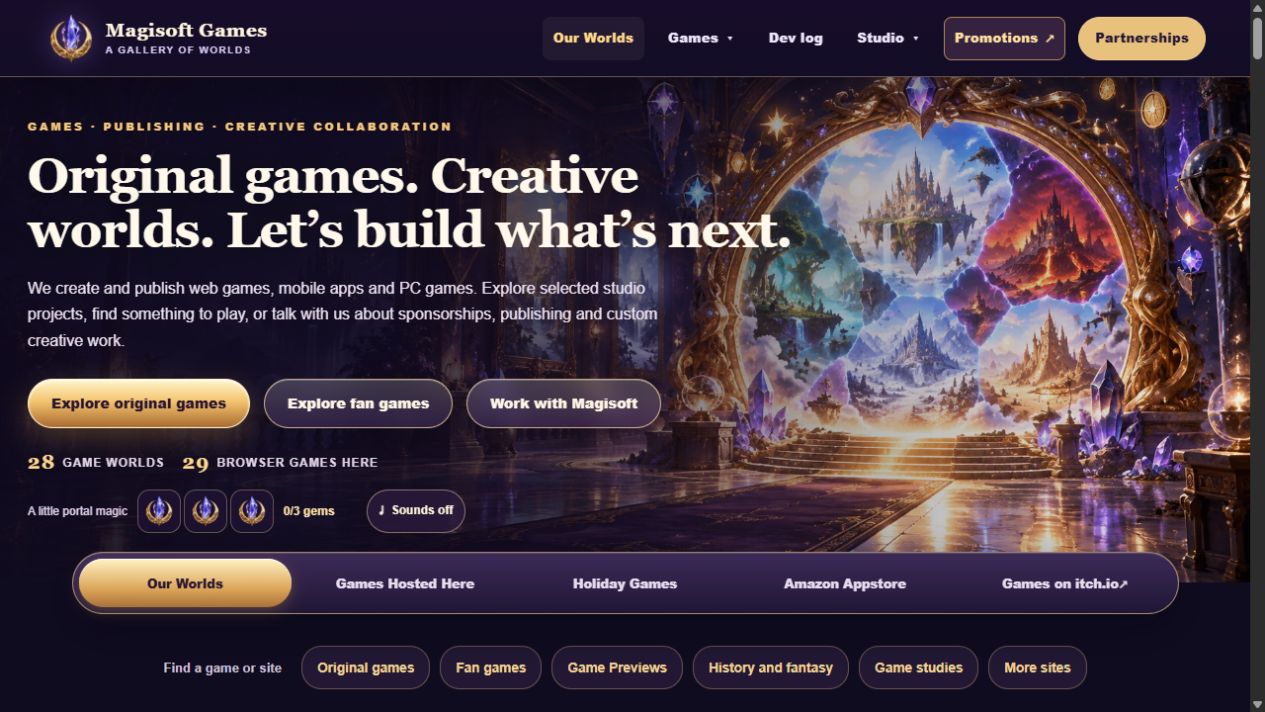
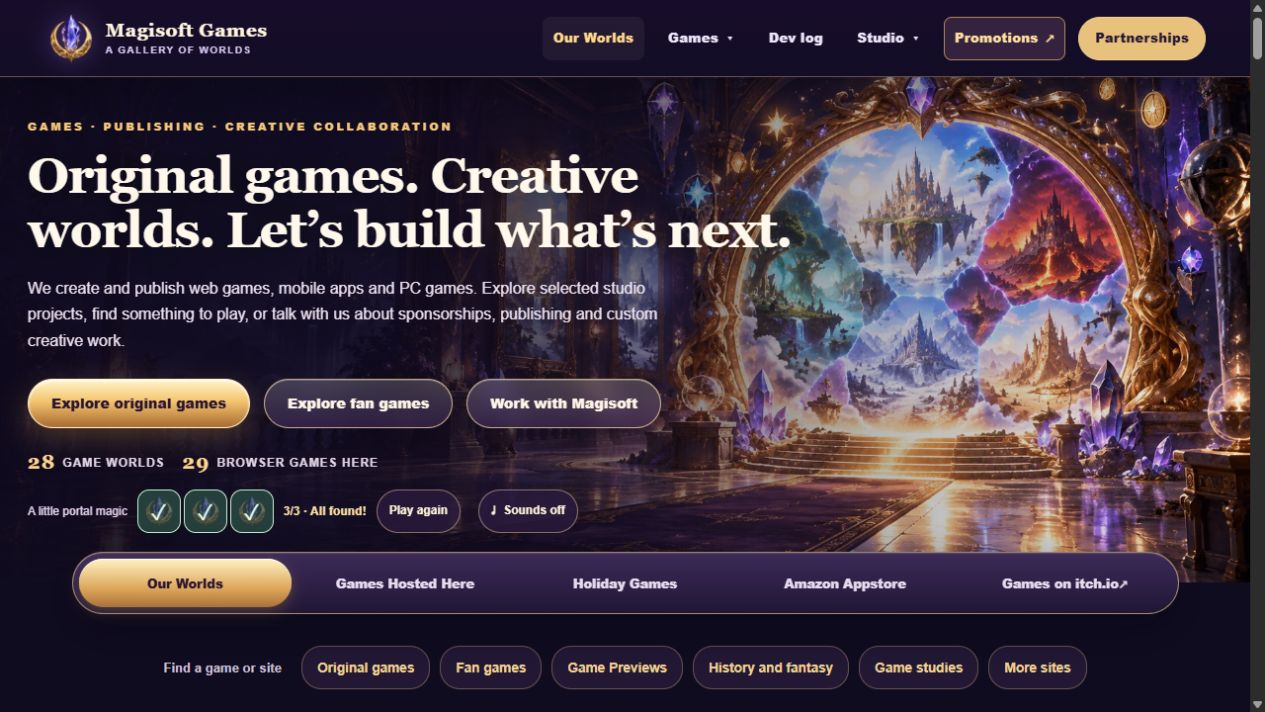
Home has a smaller banner, three gems to collect, a little motion, and optional sounds.
Our homepage now has a smaller heading and banner. The same portal art, game links, and buttons are still there, with less space before the next section.
Try collecting the three portal gems. When you find all three, choose Play again to start over. The portal and gems move gently for a few seconds, then rest. Game cards also respond when you point to them or use the keyboard.
Sounds are off at first. Turn them on for soft clicks and gem chimes. When you scroll down, a small button lets you turn them off.
What changed
- Made the homepage heading and banner more compact.
- Added three portal gems to collect and a Play again button.
- Added brief welcome motion and game-card feedback.
- Added optional Home sounds with an easy mute control.
A closer look
Screenshots