Food Games adds saved controller mappings
Configure browser-reported controllers in all four Food Games, in both Original and HTML5 editions.
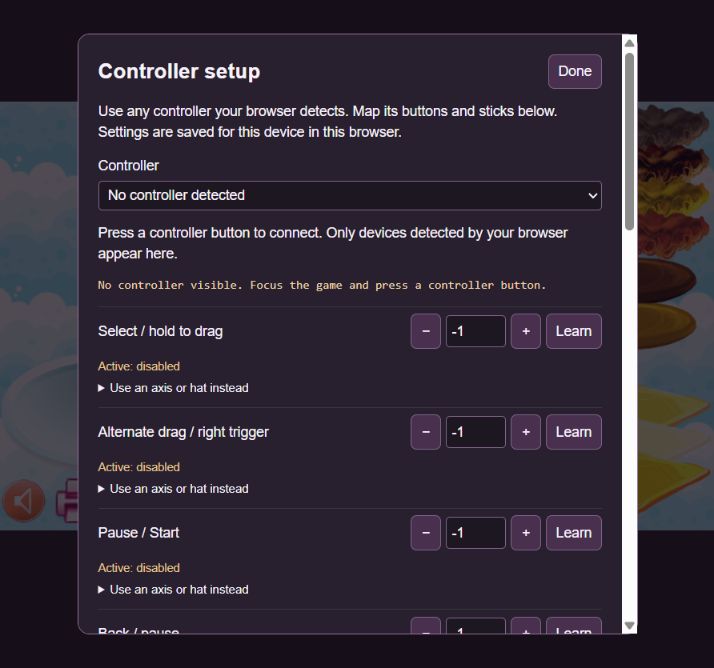
All four Food Games now include Controller setup in both their Original Edition and native HTML5 recreation. Choose a controller reported by your browser and save a separate mapping for that device.
Map buttons, sticks, D-pad and hat inputs; invert an axis or adjust the dead zone and pointer speed. The controller pointer can use the original game controls and the player buttons. Mouse, touch and keyboard remain available.
Profiles are saved locally in the current browser. Software checks cover custom mappings, saved profiles, dragging, pause, disconnect and focus handling. Physical controllers have not been tested.
What changed
- Added saved per-device mappings for standard and generic browser gamepads.
- Added button and axis learning, hat mappings, inversion, dead-zone and pointer-speed controls.
- Shared the controller cursor across both editions, including player menus and controller setup.
A closer look
Screenshots